Secrets AI Video Generator: How It Works, Quality, and Cost
Scroll through the AI companion market and you'll find the same pattern: chat, images, maybe voice. Almost no one offers video. Secrets AI does — and this single feature explains why users who've tried both Secrets AI and competitors frequently stay with Secrets AI despite the Moments cost. This guide covers exactly how the video generator works, what results look like, what it costs per clip by tier, and how to get the most from it without burning through your monthly Moments in two sessions.
For the full platform context, see the complete review. For per-tier Moments allocations, see the pricing guide.
What Is the Secrets AI Video Generator?
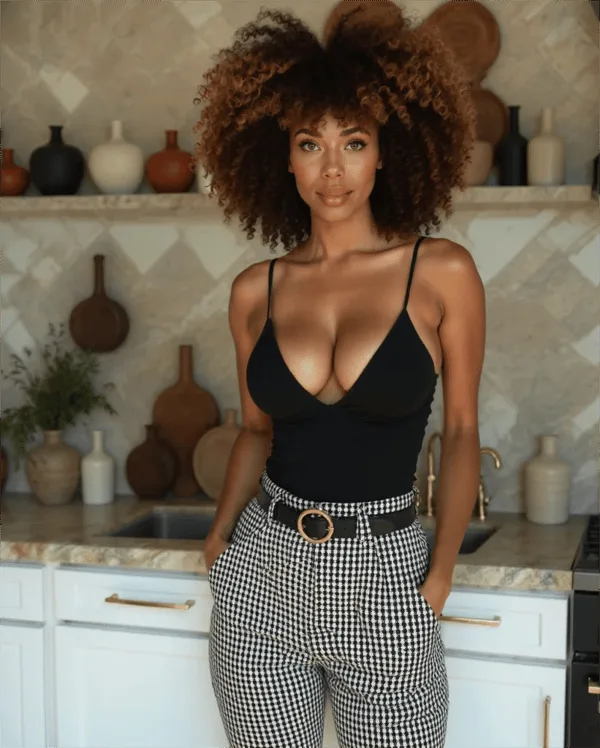
The video generator is the capability to turn AI companion images into short animated video clips — a feature that is genuinely rare in the AI companion category. The output is a motion video of your companion character performing an action or movement described in a text prompt.
This is not a pre-rendered animation library or a slideshow effect. The AI processes a source image and a prompt to generate new motion content — the character moves, expressions shift, and the scene animates based on your input. The results are short by any cinematic standard, but they are genuine AI-generated video.
Availability: The video generator is accessible from the Lite plan ($5.99/mo) upward. Free tier users cannot generate videos regardless of Moments balance.
Competitive position: Among the major AI companion platforms, Secrets AI's video generation stands largely alone:
- Character.AI: No video generation
- CrushOn AI: No video generation
- Janitor AI: No video generation
- Candy AI: Limited video (less developed than Secrets AI)
- Replika: No video generation
The only comparable alternatives are smaller platforms — SweetDream AI and Xotic AI (which offers 4K 15-second clips as a higher-end option). In the mainstream AI companion market, video generation is Secrets AI's clearest differentiation.
How Video Generation Works
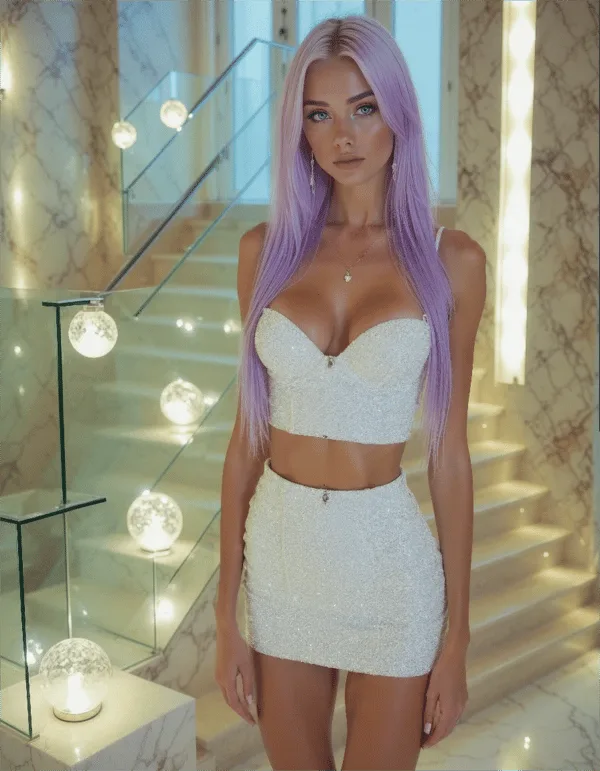
The process is straightforward once you understand the four steps:
Step 1 — Generate or select a companion image. Video generation starts from a still image of your companion character. You can use one of the four auto-generated character images created when you first set up a character, or generate a new image specifically optimized for video conversion. Using a high-quality, well-lit, clearly framed source image produces the best video output — blurry, complex, or background-heavy images produce more variable results.
Step 2 — Write your text prompt. Describe the movement or action you want the character to perform. Good prompts are specific about the type of motion (walking, turning toward camera, laughing, touching hair) and the emotional quality (playful, sensual, surprised). Overly complex prompts combining multiple simultaneous actions can produce quality inconsistencies. Start with simple, single-motion prompts and build complexity as you learn what works.
Step 3 — Wait for generation (approximately 2 minutes). The AI processes the image and prompt together. Generation typically completes in around two minutes, though this varies based on server load and clip length. Unlike text responses (which appear near-instantly), video generation is a background process — you can continue browsing or chatting while it completes.
Step 4 — View and save your clip. The completed video appears in your media library. You can save it locally or keep it in your Secrets AI account. Review quality and decide whether the output meets your expectations before spending Moments on similar prompts.
Video Quality Assessment
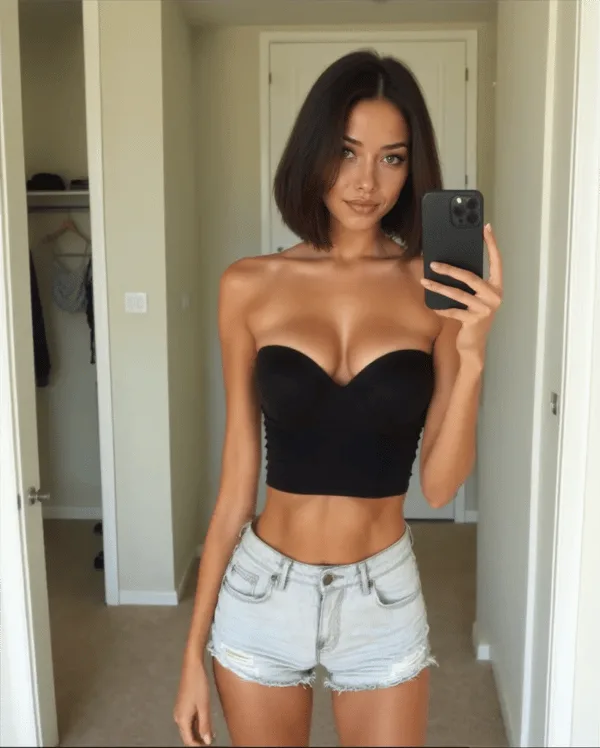
Independent reviewers rate Secrets AI's video generation at 4.1/5 — the most recent comprehensive assessment described videos as looking "good and move smoothly most of the time."
In practical terms:
- Character movement is realistic for standard actions (walking, head movements, simple gestures)
- Facial expressions reflect the prompt accurately in most outputs
- Motion fluidity is solid — no obvious frame drops or choppy transitions
- Occasional quality variations occur with complex prompts or unusual movement combinations
- The Premium/Advanced generation model produces noticeably more consistent results than the standard model
The honest comparison context: Secrets AI's video is not cinematic quality, and it's not trying to be. It produces short companion-interaction clips, not film scenes. Within that scope, the quality meets user expectations solidly based on available reviewer data.
One recurring note in user feedback: start with a strong source image. Video quality scales directly with input image quality — a well-generated source image with good lighting and clear character definition produces video that looks better than even a technically correct prompt applied to a weaker source image.
How Much Do Videos Cost in Moments?
Video is the most Moments-intensive feature on the platform. Understanding the cost structure before generating will prevent nasty surprises.
| Video Type | Moments Cost |
|---|---|
| Short clip (3 seconds) | ~50 Moments |
| Standard/longer clip | ~600 Moments |
For context across all media types:
| Feature | Cost (Moments) | What You Get |
|---|---|---|
| Text message | 1-2 Moments | One text response |
| Image generation | 25-50 Moments | One still image |
| Short video (3 sec) | ~50 Moments | Brief motion clip |
| Full video clip | ~600 Moments | Longer motion clip |
| Voice call | 100 Moments/min | Real-time audio |
The stark comparison: 600 Moments for one full video clip equals 12-24 images, or 6 minutes of voice calls. Video is priced at roughly 10-20x the cost of images per output.
Monthly video budget by tier:
| Plan | Moments/Month | Short Video Clips | Full Video Clips |
|---|---|---|---|
| Lite ($5.99) | 1,000 | ~20 | ~1-2 |
| Plus ($9.99) | 3,000 | ~60 | ~5 |
| Premium ($19.99) | 8,000 | ~160 | ~13 |
| Ultimate ($39.99) | 15,000 | ~300 | ~25 |
For users whose primary interest is video generation, Ultimate ($39.99/mo) is the only tier with a Moments volume that supports regular full-clip generation without constantly buying top-up bundles. Premium supports a moderate video creation rhythm. Plus is workable if you primarily use short clips. Lite restricts you to 1-2 full clips per month — not enough for meaningful video use.
Tips for Better Video Results
Five practices that consistently improve output quality:
Use high-quality source images. Run image generation with the advanced model (Premium+) to create source images before converting to video. A single high-quality image used as a video source will consistently outperform a mediocre image with the best possible prompt.
Keep prompts focused on one action. "She turns to look at the camera and smiles" produces better output than "She walks toward the camera, turns around, laughs, and reaches out." The generation system handles single clear actions more reliably than complex multi-action sequences.
Test with short clips first. At ~50 Moments for a 3-second clip versus ~600 Moments for a full clip, test your prompt concept on a short version before committing to the full version. If the short clip looks off, refine the prompt before spending 600 Moments.
Generate images specifically for video conversion. Character-forward compositions with clear, uncluttered backgrounds convert to video more cleanly than complex scene images. Keep the companion prominent and central in the source image.
Save successful prompt templates. When a prompt produces a result you like, note the exact language. Prompts that work well for one character often work well for other characters with minor modifications.
Who Should Use the Video Generator?
The video generator is worth your Moments budget if you value visual companion content beyond static images, want to create shareable media from your companion relationship, or simply find video more engaging than still images for establishing presence and personality.
It becomes less cost-effective if you're primarily a text-based user who only occasionally generates media, if you're on a tight Moments budget (Lite or early Plus), or if you don't care about visual content and primarily use the platform for conversation and voice.
Best tier match for video:
- Heavy video creator → Ultimate ($39.99/mo) — the 15,000 Moments and 15% top-up bonus make sustained video generation financially viable
- Moderate video use → Premium ($19.99/mo) — 8,000 Moments supports roughly 13 full clips per month alongside other media
- Occasional video → Plus ($9.99/mo) — 3,000 Moments allows 5 full clips per month with room for other features
- Video testing only → Lite ($5.99/mo) — enough for initial exploration but restrictive for ongoing use
Competitors with Video Generation
The competitive landscape on video is remarkably sparse:
| Platform | Video Generation | Notes |
|---|---|---|
| Secrets AI | Yes | 50-600 Moments per clip, ~2 min generation |
| Candy AI | Limited | Less developed implementation |
| Character.AI | No | No video capability |
| CrushOn AI | No | No video capability |
| Janitor AI | No | No video capability |
| Replika | No | No video capability |
| Xotic AI | Yes | 4K, 15-second clips (different price tier) |
Secrets AI's video generation is genuinely distinctive in the mainstream AI companion market. The feature works, the quality is rated at 4.1/5 by independent reviewers, and it represents a capability that the most widely-known competitors have not implemented. For users who place value on visual companion content — beyond static images — this feature alone justifies serious consideration of Secrets AI over alternatives.
Frequently Asked Questions
Short clips are approximately 3 seconds in length and cost around 50 Moments. Standard/full clips are longer and cost up to 600 Moments each. The Lite plan ($5.99/mo) limits you to the shorter clip format. Plus, Premium, and Ultimate plans unlock access to full-length clips. The generation model also affects available clip quality and length — the Premium/Advanced model, accessible on Premium and Ultimate tiers, produces the highest quality output for full-length clips.
No. Video generation is not available on the free tier, regardless of Moments balance. It requires at least the Lite plan ($5.99/month) to access. On Lite, you can generate short 3-second clips at approximately 50 Moments each, with a monthly Moments allocation of 1,000. Full-length video clips (up to 600 Moments each) are available on all paid tiers. The free plan's 200 Moments are a one-time credit that, on the free tier, cannot be applied to video generation.
This depends on your tier and whether you're generating short or full clips. On Plus (3,000 Moments): roughly 60 short clips or 5 full clips. On Premium (8,000 Moments): roughly 160 short clips or 13 full clips. On Ultimate (15,000 Moments): roughly 300 short clips or 25 full clips. These numbers assume all Moments go to video — in practice, most users mix video with images and text, so actual monthly video count will be lower. Additional Moments bundles are available for purchase starting at $5.99 (1,980 Moments) if your monthly allocation runs short.
Video quality is rated 4.1/5 by independent reviewers, with descriptions noting that videos "look good and move smoothly most of the time." Character movement and facial expressions are realistic for standard actions. Quality is best when starting from a high-quality source image and using a focused, single-action prompt. Complex multi-action prompts and lower-quality source images produce more variable results. The Premium/Advanced generation model (available on Premium and Ultimate tiers) produces the most consistent quality. By the standards of short companion interaction clips — not film production — the quality is solid.